

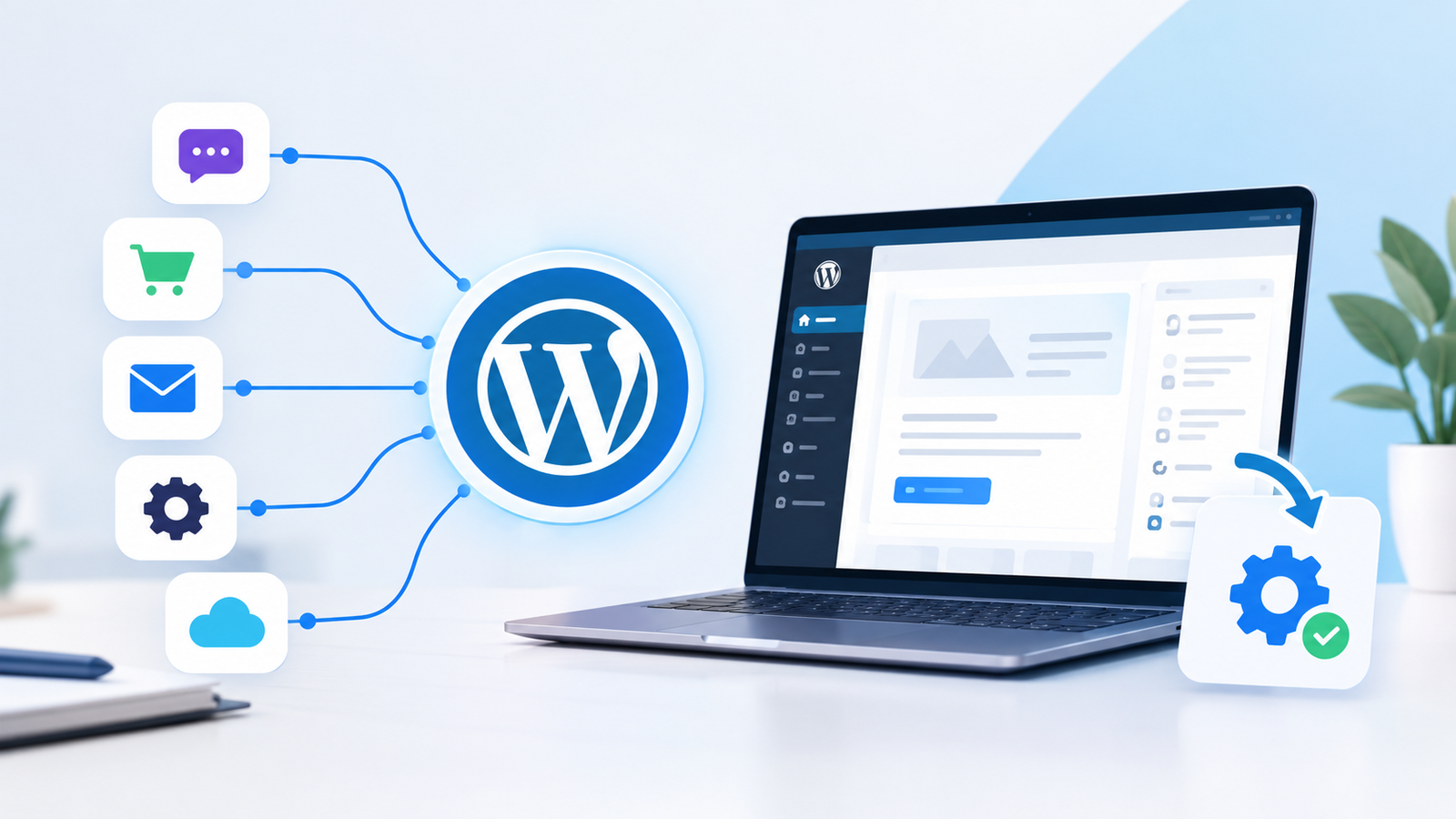
WordPress CMS integration connects your WordPress site to your CRM, spreadsheets, email and publishing tools so leads and content move automatically. It matters because WordPress runs about 41% of all websites, according to W3Techs (11 August 2026), and most of those sites still depend on manual copy-paste. Mantemko India builds these connections. This guide shows what the integration is, how it works and how to set it up safely.
What problems do businesses face when WordPress works alone?
A WordPress site that is not connected to your other tools becomes an island. Leads wait in form inboxes, content is retyped between apps, and follow-ups rely on memory. That causes delays, duplicate records and avoidable errors.
Common warning signs:
- Form leads are pasted by hand into a CRM or sheet
- Follow-ups go out late or not at all
- Drafts are written elsewhere, then copied into WordPress
- Weekly reports are built manually from several tools
- Customer details differ from one tool to the next
What is WordPress CMS integration?
WordPress CMS integration is the connection of WordPress with external tools so they exchange content and data automatically. It runs through the WordPress REST API, webhooks or plugins, often with a workflow tool moving data between systems.
The phrase can also mean pairing WordPress with another CMS, such as an e-commerce platform. This guide covers the more common business case: connecting WordPress to the tools you already use.
What can you connect to WordPress?
| Tool type | Example connection |
|---|---|
| CRM | Form submission creates a lead record |
| Spreadsheets | New enquiry added as a row in Google Sheets |
| Acknowledgement or alert sent after a form is filled | |
| Social platforms | Published post shared across channels |
| Internal apps | Content or data fetched through the REST API |
| E-commerce | Order events trigger follow-ups |
Still copying leads from WordPress by hand? Let Mantemko India automate it. Book a free consultation.
How does WordPress CMS integration work?
A WordPress event, such as a form submission, triggers a workflow. The workflow reads or writes data through the REST API, a webhook or a plugin, then performs an action in another tool.
- Trigger: a form is submitted, a post is published or an order is placed.
- Connect: the workflow reaches WordPress via REST API, webhook or plugin.
- Process: fields are mapped, cleaned and, where useful, enriched by an AI step.
- Act: a CRM record is created, a draft is saved or an alert is sent.
- Monitor: failed runs are logged so they can be fixed.
REST API, webhooks or plugins: which should you use?
The REST API lets other applications read and write WordPress content as JSON. A webhook sends data to another service the moment an event happens. Plugins add ready-made connections. The right choice depends on the task.
| Method | Best for | Watch out for |
|---|---|---|
| REST API | Reading or publishing content from another system | Needs secure authentication |
| Webhooks | Sending form or event data to a CRM or workflow tool | Some form plugins, such as Contact Form 7, may need an add-on for webhooks |
| Plugins | Standard connections such as forms to CRM | Too many plugins add upkeep |

How do you set up a WordPress integration step by step?
Start with one repetitive task, connect it end to end, and expand only after it works. A simple setup follows six steps.
- Pick one task, such as “form submitted, lead in CRM”.
- Map the data: list which form field goes to which CRM or sheet field.
- Choose the method: REST API, webhook or plugin.
- Create secure access with a dedicated WordPress user and an Application Password.
- Test with sample data, and save content as drafts, not live posts.
- Monitor and refine, adding more workflows once the first runs reliably.
When should you use headless WordPress?
Headless WordPress uses WordPress only to manage content, while a separate front end, built with a framework such as Next.js, displays it through the REST API or WPGraphQL. Consider it when you need a custom app or full design control. For most business sites, a standard theme plus workflow integration is simpler and cheaper to maintain.
What mistakes should you avoid?
- Connecting live posts before testing with drafts
- Using your admin account for integrations
- Mapping fields without checking which CRM fields are required
- Ignoring failure alerts, so lost leads go unnoticed
- Automating a messy process instead of fixing it first
- Installing several overlapping plugins for the same job
How does Mantemko India provide WordPress CMS integration?
Mantemko India’s WordPress CMS Integration service connects WordPress with your business tools and automates content, data, forms and everyday website processes. It sits alongside related services such as CRM Automation, Lead Management, Auto Content Publish and API Integrations.
Its process has three phases:
- Discover and strategise: business analysis and process mapping to find what is worth automating, then a roadmap of tools, integrations, AI solutions and workflow logic.
- Build and automate: workflows that connect your tools, move data and trigger actions.
- Launch and optimise: testing across scenarios, deployment into the platforms you already use, then monitoring and improvement.
Mantemko India’s AI Content Automation can generate content ideas, captions and blog drafts inside a workflow. Its AI Agent Automation can monitor systems and act on tasks such as CRM follow-ups. Keep a human review step before AI-written content goes live.
Example: A visitor fills in a form. The workflow adds the lead to Google Sheets and the CRM, alerts sales and sends an acknowledgement. Mantemko India’s testing phase would check each of those steps before launch.
What are the benefits of integrating WordPress with your tools?
- Less manual work: copying and posting is handled by workflows.
- Faster lead handling: a new enquiry can reach your CRM and sales team immediately.
- Fewer errors: data moves directly instead of being retyped.
- Consistent publishing: content follows the same review path every time.
- Cleaner data: one record flows between tools instead of scattered copies.
- Room to grow: new tools can be added to the same workflow.
How does workflow integration compare with other approaches?
| Approach | Setup effort | Flexibility | Best for | Watch out for |
|---|---|---|---|---|
| Manual work | None | Low | Very low volume | Time and errors |
| Plugin-only | Low | Medium | Standard needs | Plugin overload; limited cross-tool logic |
| Workflow automation (Mantemko India’s approach) | Medium | High | Connecting WordPress with several tools | Needs clear process mapping and testing |
| Headless / custom development | High | Very high | Custom apps, separate front ends | Higher build and upkeep effort |
Ratings are relative, not quoted costs.
How do you keep a WordPress integration secure?
Give each integration the least access it needs and protect its credentials. WordPress Application Passwords, introduced in WordPress 5.6, are revocable credentials created per application and designed for use over HTTPS.
- Use a dedicated WordPress user with limited permissions
- Use Application Passwords instead of your main login
- Serve all API requests over HTTPS
- Revoke credentials for tools you no longer use
- Keep WordPress core and plugins updated
- Review AI-written content before it is published
Ready to connect your website?
Talk to Mantemko India. Share one repetitive WordPress task and get a free consultation on automating it. Contact Mantemko India.
Conclusion
A connected WordPress site becomes part of how your business runs instead of a standalone page. Start with one task, choose the right method, test with drafts and secure the access. Mantemko India can map the process and build the workflow for you.
Frequently asked questions
How long does a WordPress integration take?
Simple form-to-CRM flows are quick, while multi-tool projects take longer, so ask for a timeline after process mapping.
Does integration work with WooCommerce?
Yes, order events can trigger workflows, though the exact setup depends on your store plugins.
Can I connect Elementor forms?
Yes, Elementor Forms can be connected through webhooks or integration plugins.
Will I lose data if I change tools later?
Not if your data lives in your own CRM or sheet and the workflow is documented.
Do I need a developer to maintain it?
Simple workflows rarely do, but someone should monitor failures and updates.